ChatGPT is an AI-powered assistant that helps users generate content, answer questions, automate workflows, and improve productivity through natural language conversations. Businesses can use ChatGPT to streamline customer support, create marketing content, draft emails, analyze information, and enhance daily operations with AI assistance.
Integrating ChatGPT with MailboxValidator helps improve the quality of your email lists by validating email addresses before they are used in workflows, marketing campaigns, or customer communication. This reduces bounce rates, removes invalid email addresses, and ensures cleaner and more reliable data for your automation processes.
First of all, you will need to have a MailboxValidator API key. If you do not have one, you can sign up for a free MailboxValidator API key.
Log in to your ChatGPT account, then go to the Explore GPTs marketplace. Search for MailboxValidator and click on it.
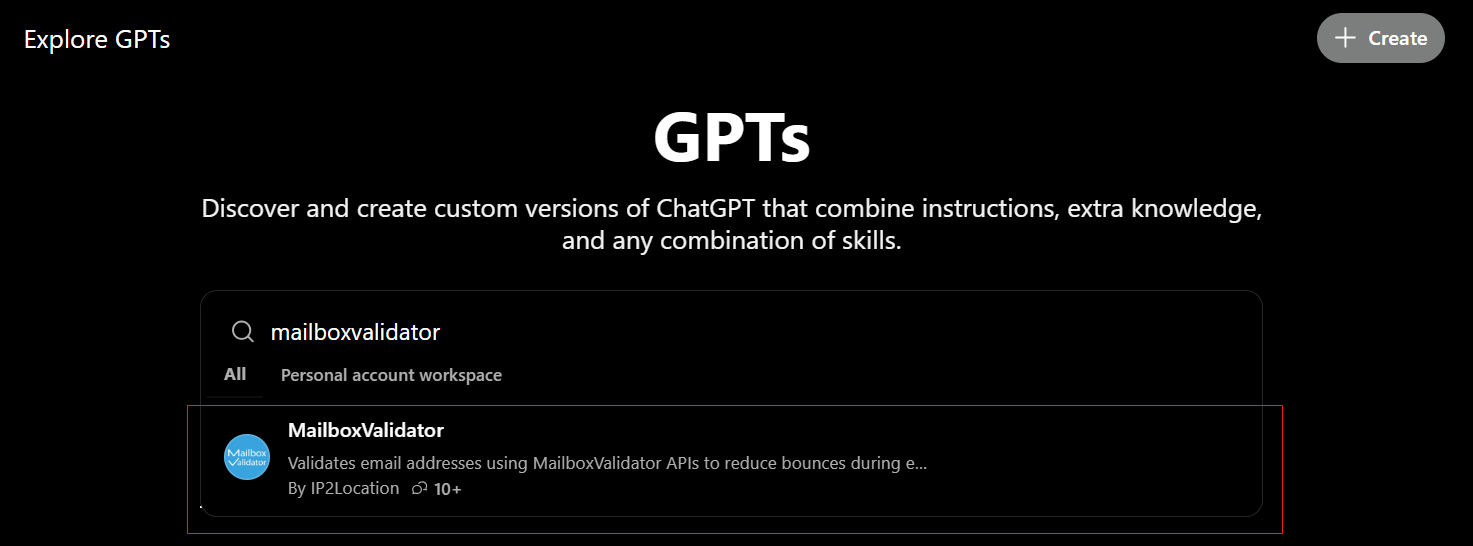
Click on Start Chat. For quick access, you can also visit the MailboxValidator ChatGPT bot as the quickstart.
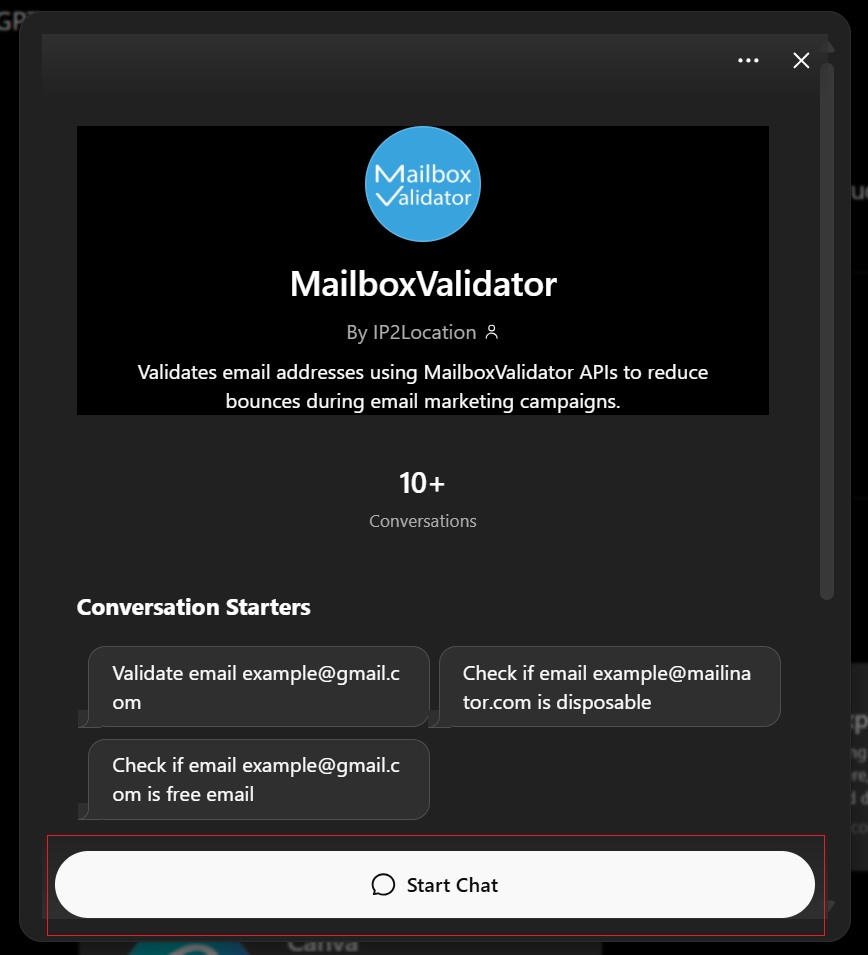
Then click the Validate Email box to get started. You will be prompted to enter your MailboxValidator API key. If you don't have one, please register for a free MailboxValidator API key.
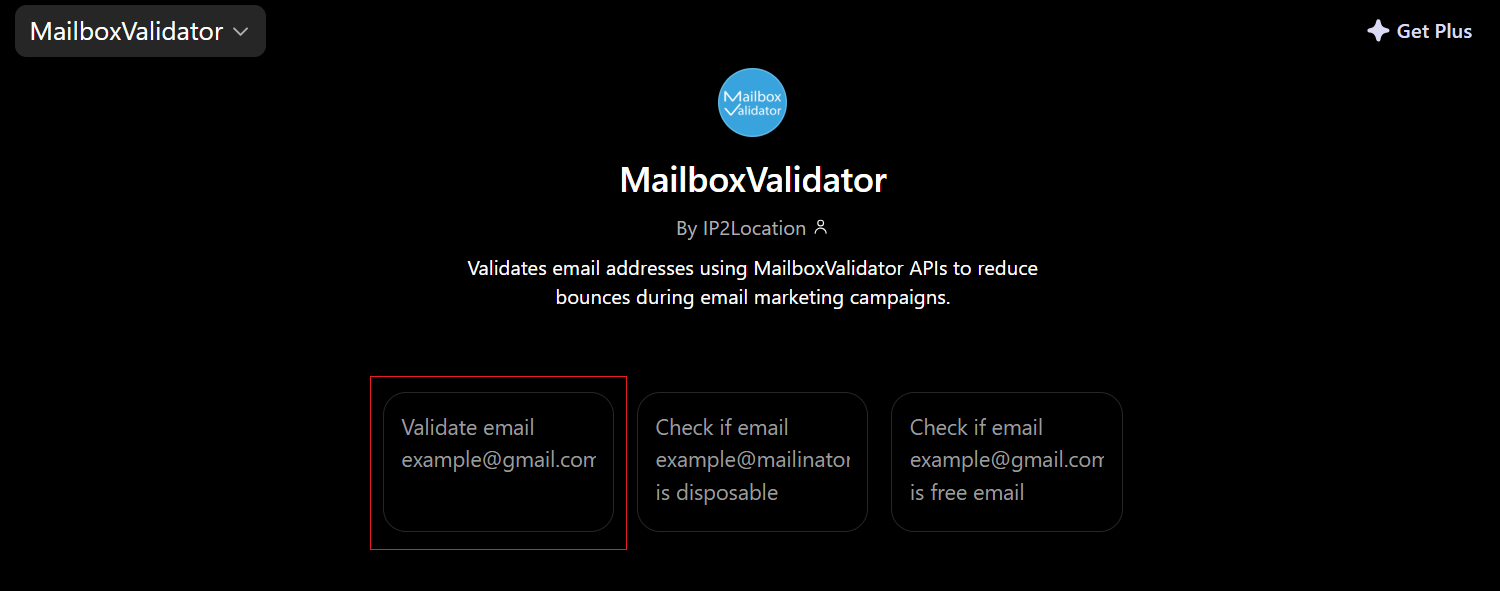
Follow the instructions provided to enter your API key and the email address you want to validate. To validate an email address, type: <YOUR API KEY> <EMAIL ADDRESS>
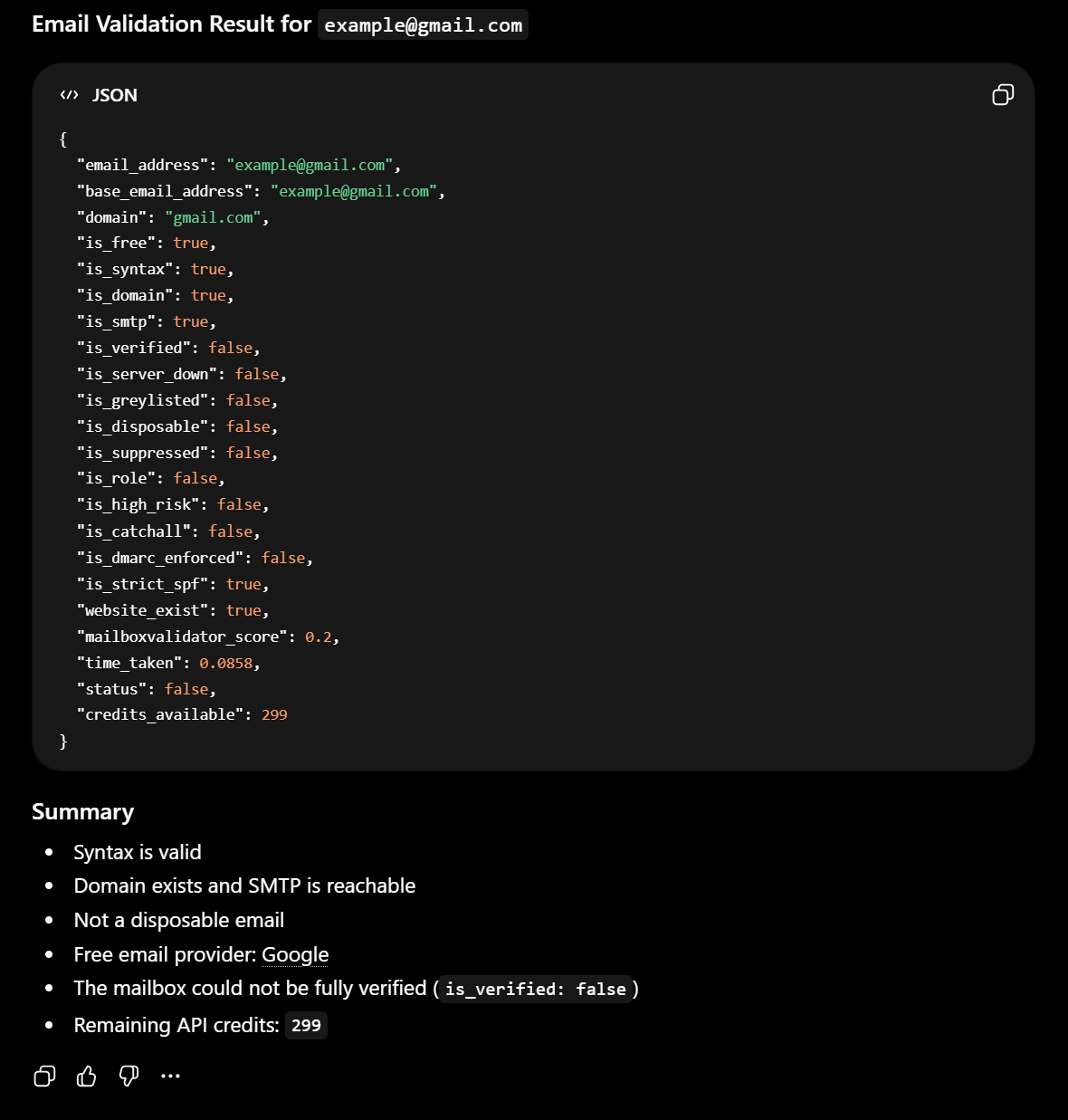
You will get the email validation result as below. This is an example result for the email address example@gmail.com.
Knowing more about ChatGPT email verification integration & reduce email bounce rate in a few button clicks.

Validate and clean your email list by detecting disposable emails, invalid emails, mail server and much more.


Subscribe to our newsletter and stay up to date with the latest news and deals!
Copyright © 2013 - 2026 MailboxValidator.com. All Rights Reserved. Privacy Policy | Terms of Service | Cookie Notice