


SendGrid #
MailboxValidator’s integration with SendGrid provides users a very simple way to import their email list into MailboxValidator for verification and then return the results back to SendGrid.
Getting started #
First of all, you need to have an account in SendGrid and also MailboxValidator. So head on to the sign up page and register for one. Once you have done this, you’ll need to upload your email list in SendGrid.
Importing #
- Once your email list in SendGrid is ready, login to your MailboxValidator dashboard and select “Import SendGrid Data” from the “Integration” side menu.

- Login into your account with your SendGrid API key. Where is my SendGrid API key?

- When you have saved your API key successfully, you should see “You have successfully saved your SendGrid API key. You may proceed to import SendGrid lists for validations.” then click on “Go to import page.” to see your SendGrid lists. Now, choose the list that you want to import, then click on “Import Selected List & Validate”.

- You shall see a message like this, “Your list will be processed and SendGrid will be updated automatically.”
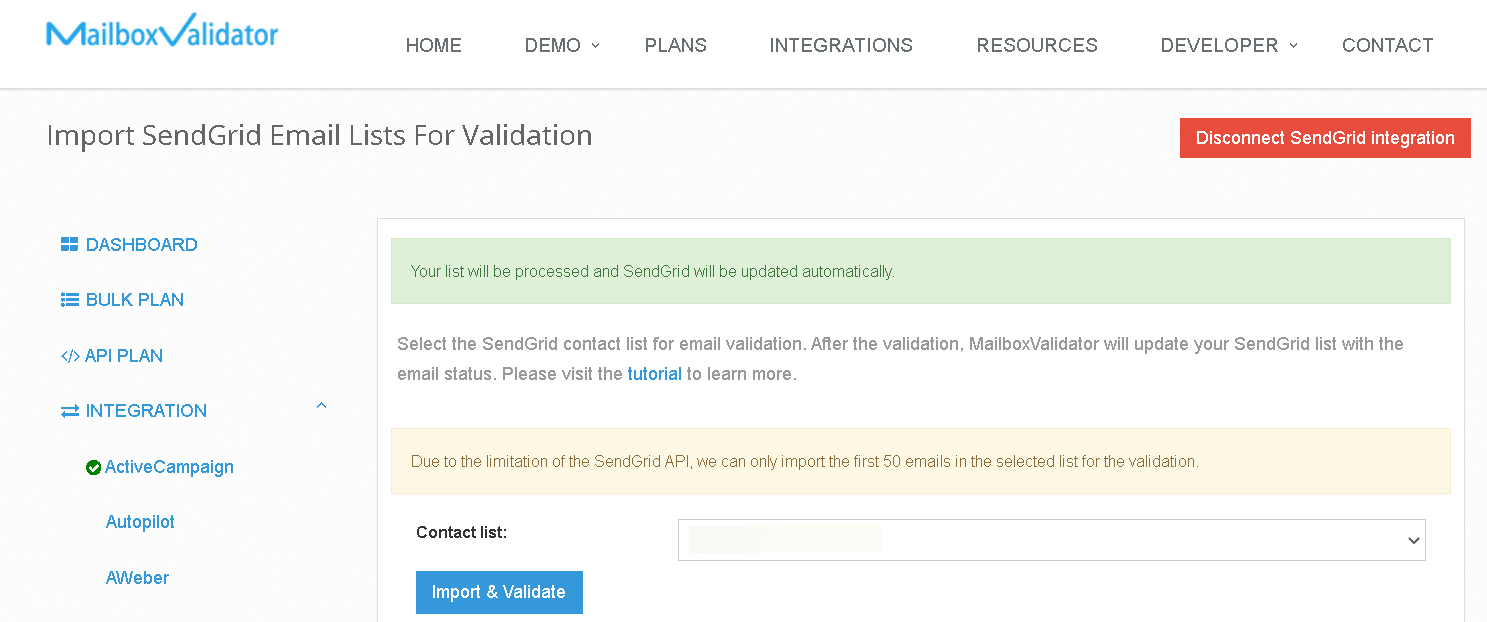
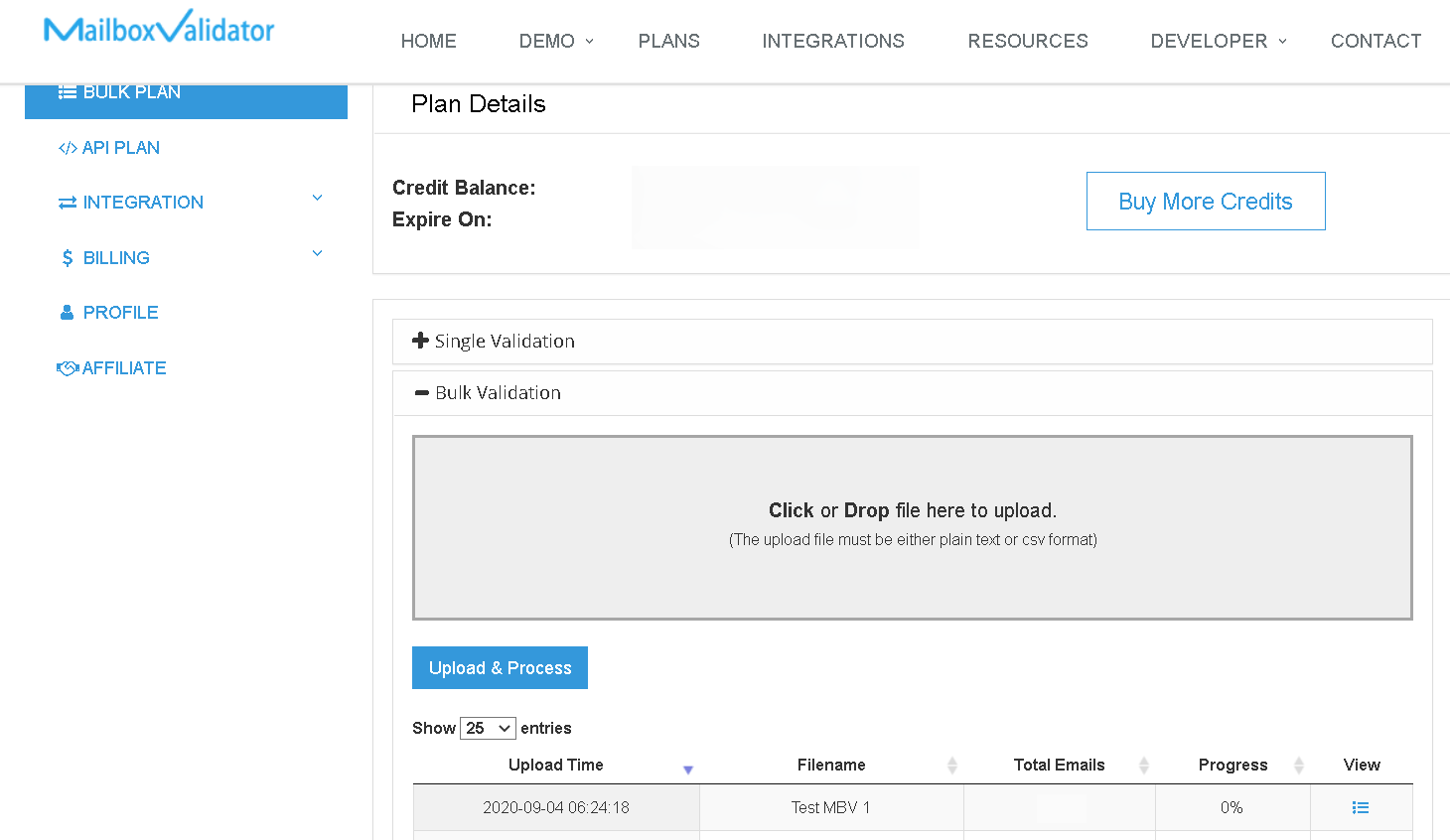
- Go to the Bulk Plan page and click on Bulk Validation, you can see the progress. Please note that the validation process may not start immediately as all bulk validation tasks are put into a queue and processed in the order that they were queued up. Rest assured, your validations will be processed when you have reached your turn in the queue.
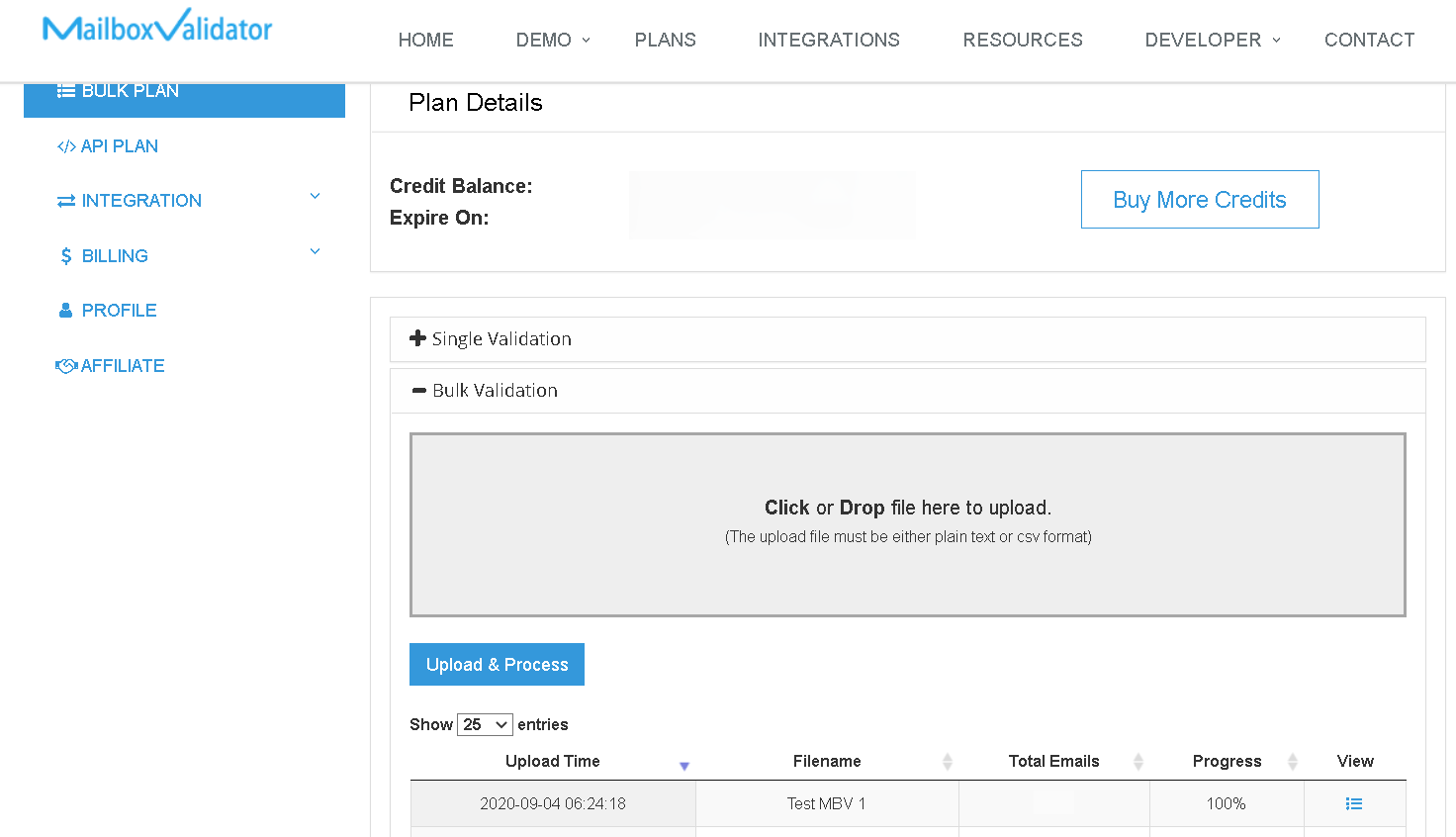
- Once the progress showed 100%, you’ve completed validation and the analyzed result will be updated at SendGrid. You can download the result straight from MailboxValidator dashboard or go back to your SendGrid account. You will also be notified via email when the validation is done.
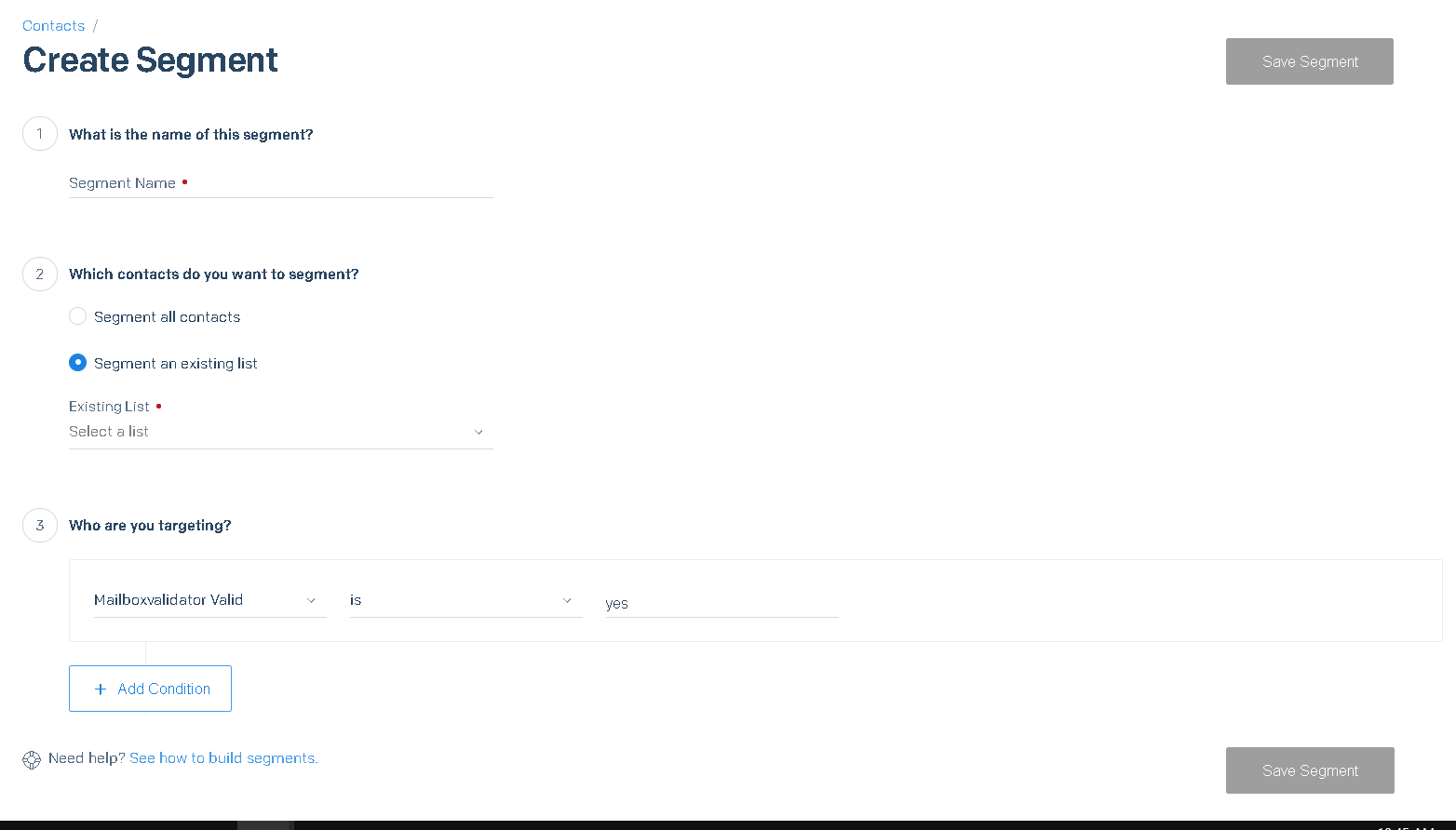
- The results of the MailboxValidator validations are stored in a custom variable called mailboxvalidator_valid and you will see the value is yes if the email is valid and no if the email is invalid. To filter only the valid emails, just create a new segment in your list and set the criteria to mailboxvalidator_valid is yes.
Get started with MailboxValidator #
Improve your email deliverability and sender reputation in email marketing.
Register today and clean your email lists for FREE!