In this tutorial, we will demonstrate how to use the MailboxValidator Yii extension to validate email addresses. The MailboxValidator Yii extension provides an easy way to integrate the MailboxValidator API into your Yii application for email validation.
Since this extension uses the MailboxValidator API, you must obtain a free API key before using it. Simply visit https://www.mailboxvalidator.com/plans#api to sign up for the FREE API plan, and you will receive a free API key.
After obtaining your API key, open config/params.php and add the following line to the configuration array:
This extension can be used to validate an email address. For example, suppose you want to validate the email address testing@example.com and retrieve its validation result.
First, import the library in your controller:
Copy
use MailboxValidatorSingleValidation;
Next, initialize the extension with your API key and retrieve the validation result for the email address as shown below:
🐘
Copy
$mbv = new SingleValidation(Yii::$app->params['mbvAPIKey']);
$results = $mbv->FreeEmail('example@example.com');
Note that mbvAPIKey is the variable name for the MailboxValidator API key and should not be changed. Next, to pass the result to the view, simply add $results to your view render like this:
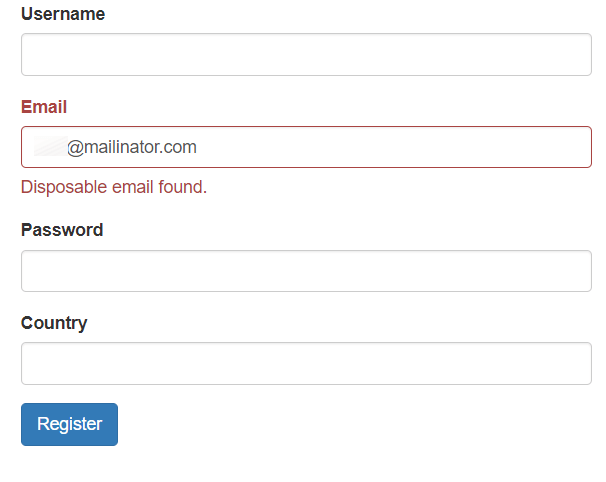
In this line, the extension is called, and you will need to specify which validator to use. The available validators are disposable and free. Finally, open or refresh your form and try to submit an invalid email address to see the outcome. You shall see the error message if the email address is invalid.