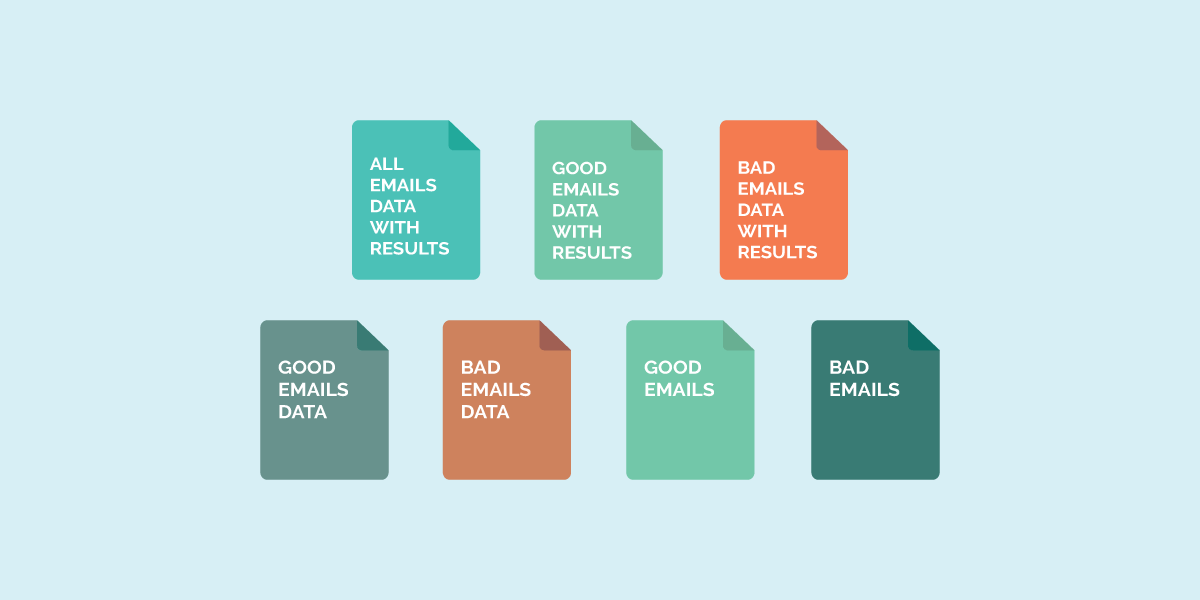
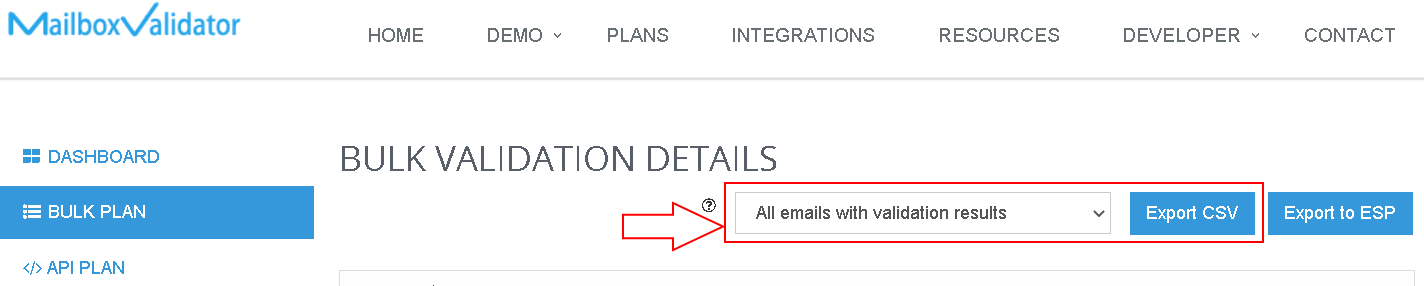
Recently MailboxValidator had enhance its results export feature by supporting more downloading formats. You can now choose to download your validation results in various data format. A complete list of supported data formats are shown below:
all emails with validation results
good emails data only
bad emails data only
good emails only
bad emails only
The export functionality has also been relocated to the validation detail page. From now on, you can use the export feature by following the below steps:
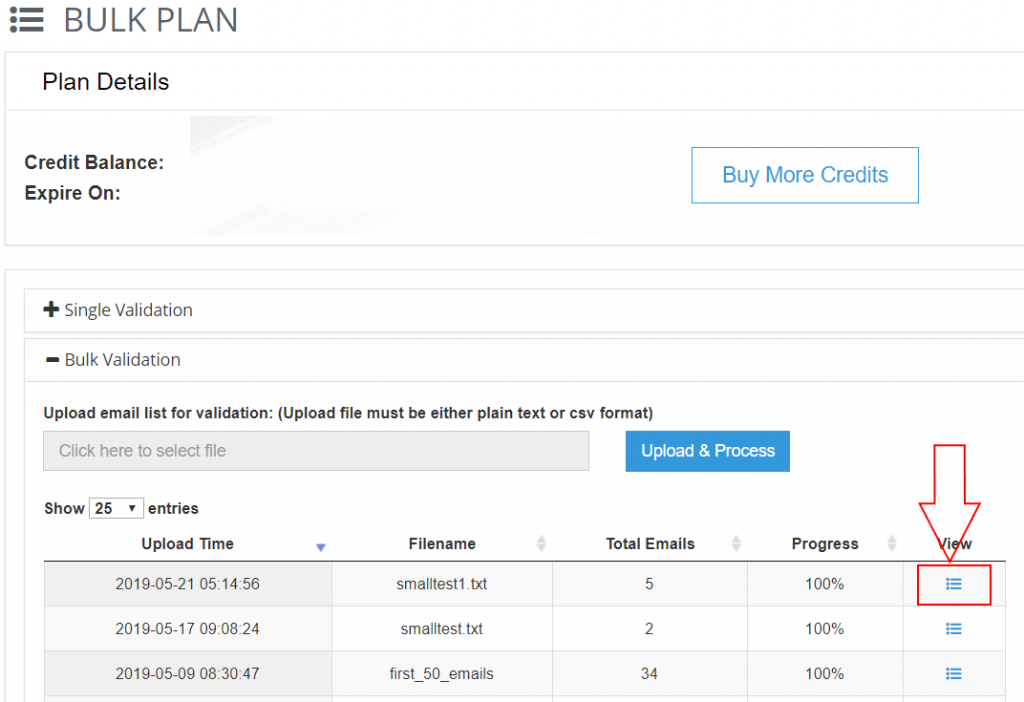
Login to your account and go to the Bulk Plan page.
Choose the result that you wish to export and click on the view button.
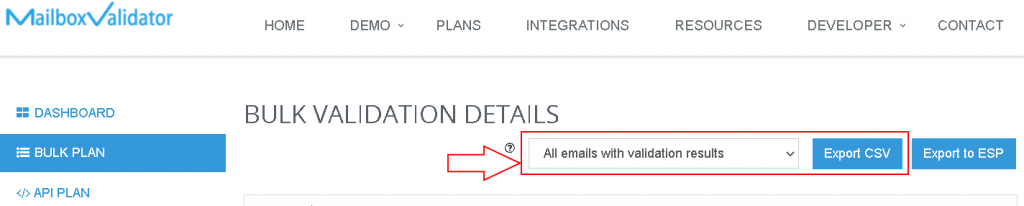
You will notice that there is a new select menu with export button located just below the page title. You can now choose your favorite data format and export it.